> ## Documentation Index
> Fetch the complete documentation index at: https://docs.usefusion.ai/llms.txt
> Use this file to discover all available pages before exploring further.
# Welcome to NeuroFusion
> Guides, resources, and references for running research studies with NeuroFusion.
NeuroFusion is a platform for researchers to design studies, collect behavioral and brain data from participants, and analyze results — all in one place. Whether you're running a cognitive experiment, deploying daily surveys, or tracking health metrics with wearables, NeuroFusion handles data collection, consent, billing, and collaboration so you can focus on your research.
**Spring 2026 Updates**
* **Multi-experiment quests** — bundle multiple jsPsych experiments in one quest with defined ordering
* **Improved experiment editor** — Monaco code editor with live preview and media uploads (images, audio, video)
* **Mobile experiment runner** — participants can now complete experiments in the Fusion mobile app
* **Organizations** — group quests under teams with 18 granular permissions and shared billing
* **Billing & credits** — transparent per-action pricing, credit transfers between orgs
* **Prolific compatibility** — use quest URLs directly as Prolific study URLs; participant IDs are captured automatically
* **Onboarding flows** — full-text consent overviews, question guards to screen participants, kiosk mode for shared devices
* **Conditional prompt notifications** — trigger prompts based on answers to previous prompts or onboarding questions
 ## How to Get Started
1. **Sign up** at [usefusion.ai](https://usefusion.ai) and create your account
2. **Create or join an Organization** to manage your team, quests, and billing
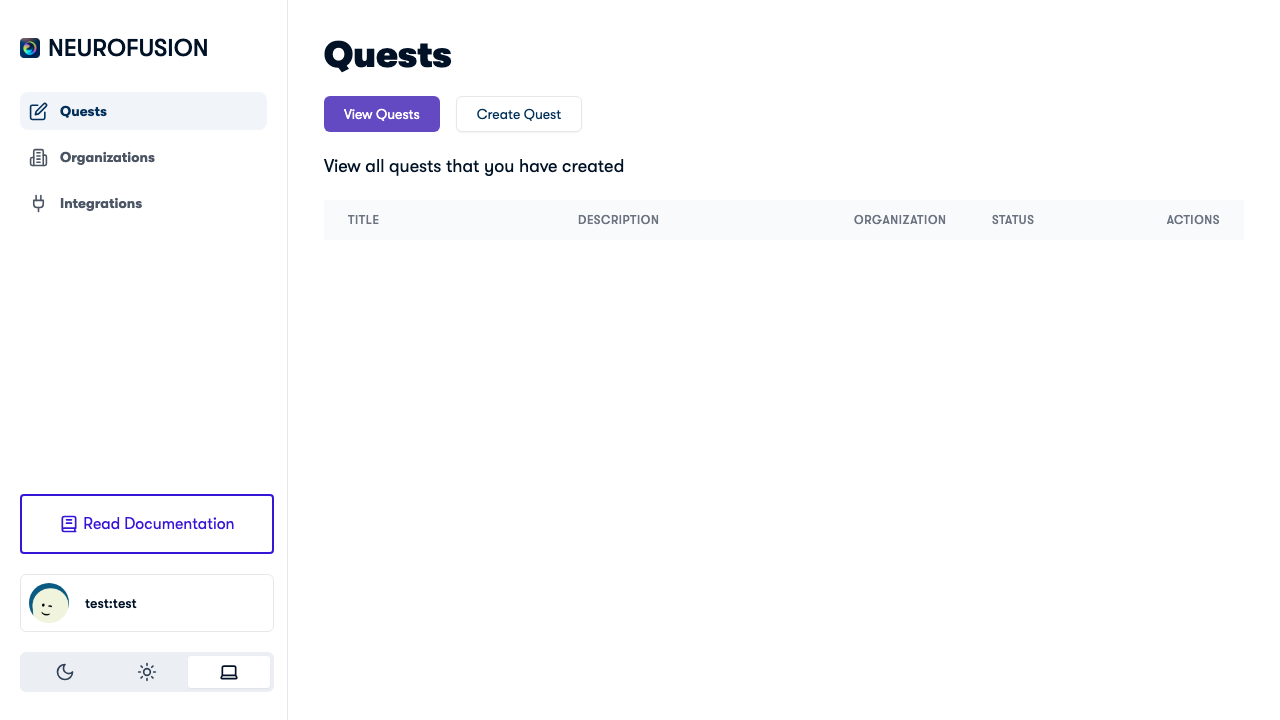
3. **Create a Quest** — add prompts for recurring data collection and experiments for interactive tasks
4. **Configure Onboarding** — set up consent overviews and eligibility screening with question guards
5. **Publish & share** — send the quest link directly, via QR code, or use it as a Prolific study URL
6. **Monitor** — track participant responses, billing, and data in your org dashboard
## Explore the Docs
Go from sign-up to your first published quest in 5 minutes.
Understand quests — the containers for your prompts, experiments, and onboarding.
Configure recurring questions with scheduling, response types, and categories.
Set up consent flows, eligibility screening, and question guards.
Build jsPsych experiments with the code editor, upload media, and run on mobile.
Create teams with granular permissions and shared billing.
Purchase credits, track expenses, and fund collaborator organizations.
Connect with Prolific, EEG brain interfaces, and wearable devices.
## How to Get Started
1. **Sign up** at [usefusion.ai](https://usefusion.ai) and create your account
2. **Create or join an Organization** to manage your team, quests, and billing
3. **Create a Quest** — add prompts for recurring data collection and experiments for interactive tasks
4. **Configure Onboarding** — set up consent overviews and eligibility screening with question guards
5. **Publish & share** — send the quest link directly, via QR code, or use it as a Prolific study URL
6. **Monitor** — track participant responses, billing, and data in your org dashboard
## Explore the Docs
Go from sign-up to your first published quest in 5 minutes.
Understand quests — the containers for your prompts, experiments, and onboarding.
Configure recurring questions with scheduling, response types, and categories.
Set up consent flows, eligibility screening, and question guards.
Build jsPsych experiments with the code editor, upload media, and run on mobile.
Create teams with granular permissions and shared billing.
Purchase credits, track expenses, and fund collaborator organizations.
Connect with Prolific, EEG brain interfaces, and wearable devices.