> ## Documentation Index
> Fetch the complete documentation index at: https://docs.usefusion.ai/llms.txt
> Use this file to discover all available pages before exploring further.
# Creating an Organization
> Create a new organization to start managing quests and team members.
Creating an organization is the first step to running quests on Fusion. Every quest must belong to an organization, and creating one takes just a few seconds.
## Required Fields
| Field | Required | Description |
| ----------------- | -------- | ---------------------------------------------------- |
| **Name** | ✅ Yes | The display name of your organization |
| **Billing Email** | ✅ Yes | Email address for billing notifications and receipts |
| **Description** | Optional | A short description of the organization |
## What Happens on Creation
When you create an organization:
1. A **unique slug** is auto-generated from your org name
* Lowercased, non-alphanumeric characters replaced with hyphens
* Truncated to 50 characters
* If the slug already exists, a number suffix is appended (`-1`, `-2`, etc.)
2. You receive **free starter credits** as a welcome bonus
3. You are added as the **first admin** with full permissions
## Step by Step
1. Navigate to the **Organizations** section in the dashboard
2. Click **Create Organization**
3. Enter a **name** for your organization
4. Enter a **billing email** — this is where billing notifications and receipts will be sent
5. Optionally add a **description**
6. Click **Create**
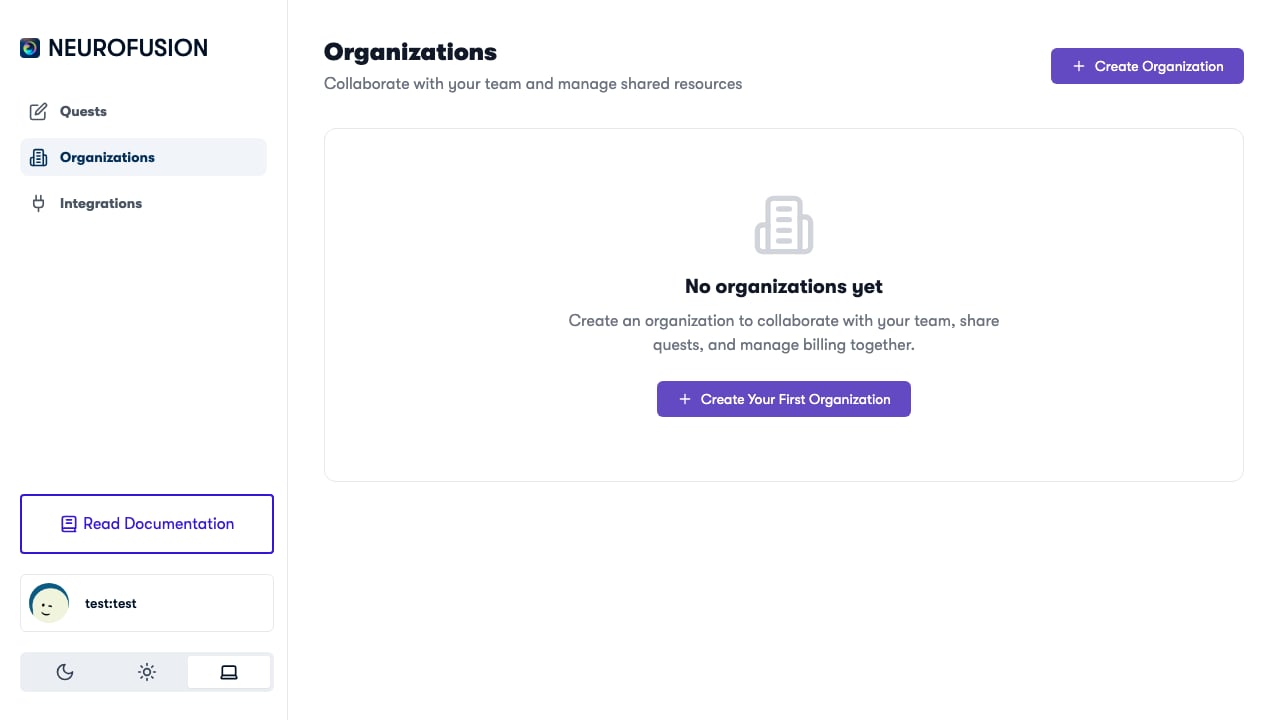 You can create multiple organizations — for example, one per research lab, project, or study.
## After Creation
Once your organization exists, you can:
* **Add members** — search for existing Fusion users and invite them to your org ([Members & Permissions](/organizations/members-and-permissions))
* **Create quests** — the organization selector will appear in the quest editor
* **Purchase credits** — add funds to run studies ([Purchasing Credits](/billing/purchasing-credits))
## Slug and Identity
Your organization's slug appears in URLs and is used internally to identify the org. You cannot change the slug after creation, so choose a clear, descriptive name.
**Examples:**
| Name | Generated Slug |
| ---------------------- | ------------------------ |
| Smith Neuroscience Lab | `smith-neuroscience-lab` |
| UofT Psych Research | `uoft-psych-research` |
| My First Study | `my-first-study` |
You can create multiple organizations — for example, one per research lab, project, or study.
## After Creation
Once your organization exists, you can:
* **Add members** — search for existing Fusion users and invite them to your org ([Members & Permissions](/organizations/members-and-permissions))
* **Create quests** — the organization selector will appear in the quest editor
* **Purchase credits** — add funds to run studies ([Purchasing Credits](/billing/purchasing-credits))
## Slug and Identity
Your organization's slug appears in URLs and is used internally to identify the org. You cannot change the slug after creation, so choose a clear, descriptive name.
**Examples:**
| Name | Generated Slug |
| ---------------------- | ------------------------ |
| Smith Neuroscience Lab | `smith-neuroscience-lab` |
| UofT Psych Research | `uoft-psych-research` |
| My First Study | `my-first-study` |