

The onboarding system is a multi-step gated flow that participants complete before they can access a quest’s prompts and experiments. It handles informed consent, eligibility screening, and baseline intake before the participant is enrolled into the quest.
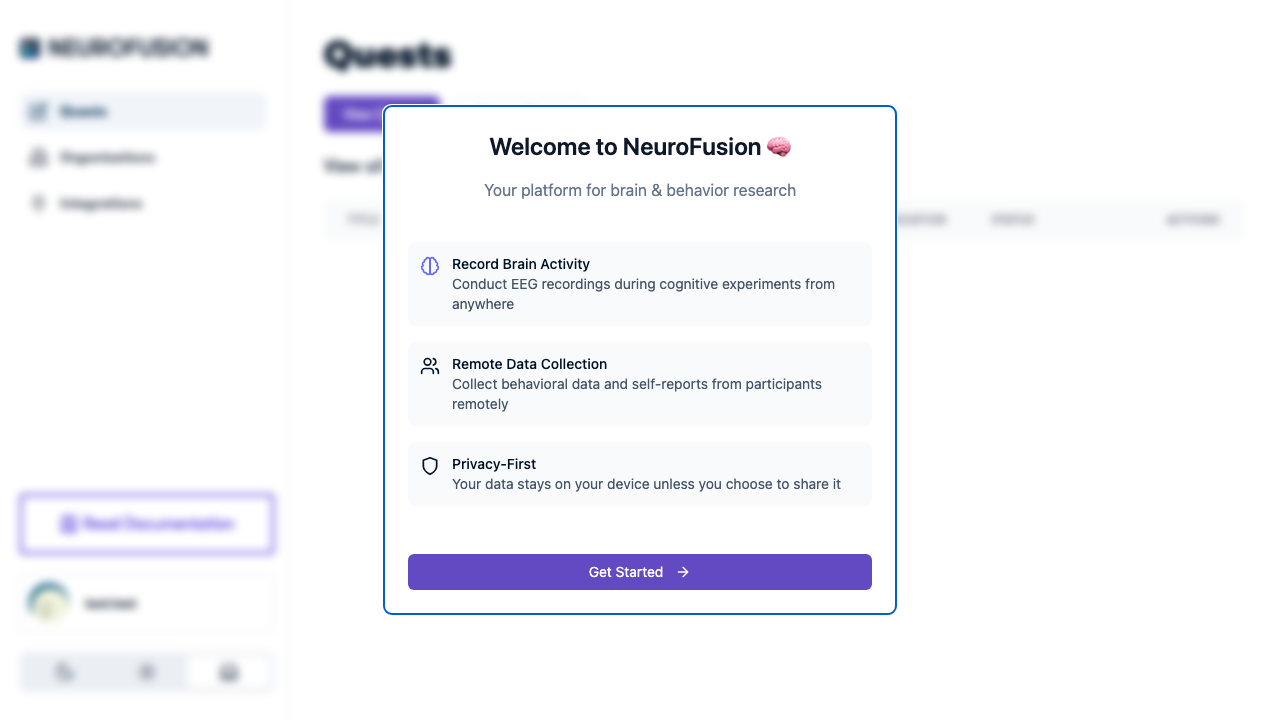
Welcome to NeuroFusion dialog showing platform features and Get Started button

Onboarding Flow

When a participant opens a quest URL, here’s what happens:
Participant opens quest URL
  → Check if already joined
    → Already joined (not kiosk mode) → Skip to quest content
    → Already joined (kiosk mode) → Re-show onboarding
    → Not joined → Continue to onboarding
  → Step 1: Study Overview / Consent Document (if configured)
    → Must check "I have read and understand" → Continue
  → Step 2: Onboarding questions (if any)
    → Server-side validation of question guards
      → Failed → Show rejection messages, block access
      → Passed → Continue
  → Save onboarding responses (free — not billed)
  → Join quest (billed to org — see [Pricing](https://usefusion.ai/pricing))
  → Quest content (prompts, experiments)

Components

The onboarding system has four configurable components:
ComponentRequired?Description
Full-Text OverviewOptionalStudy overview / consent content with mandatory acknowledgment
Onboarding QuestionsOptionalScreening questions (5 response types supported)
Question GuardsOptionalServer-side validation rules to block ineligible participants
Kiosk ModeOptionalRe-show onboarding every session for shared devices
A quest can have none, one, or all of these configured. If neither the overview nor questions are set, participants join the quest directly.

Key Facts

  • Onboarding responses are saved as a dataset with type onboarding_responses
  • Onboarding responses are free — they are not billed
  • Question guard validation is server-side — it cannot be bypassed
  • Onboarding response types match prompt response types: text, yesno, number, numberRange, customOptions
  • After onboarding passes, the participant joins the quest and appears in the participant roster for researcher operations

Explore

Full-Text Overview

Informed consent language shown before questions.

Questions

Screening questions with 5 response types.

Question Guards

Server-side eligibility validation rules.

Kiosk Mode

Re-show onboarding for shared devices.